
3 x 3 grid
Instagram puzzle grid
Turn one campaign image into nine square tiles for a profile grid reveal.
- Mode
- 3 x 3 grid
- Output
- 9 PNG tiles
Free online image grid maker
A free online image splitter for turning one picture into clean grid tiles, vertical slices, horizontal strips, or a custom layout.
In-browser image splitting
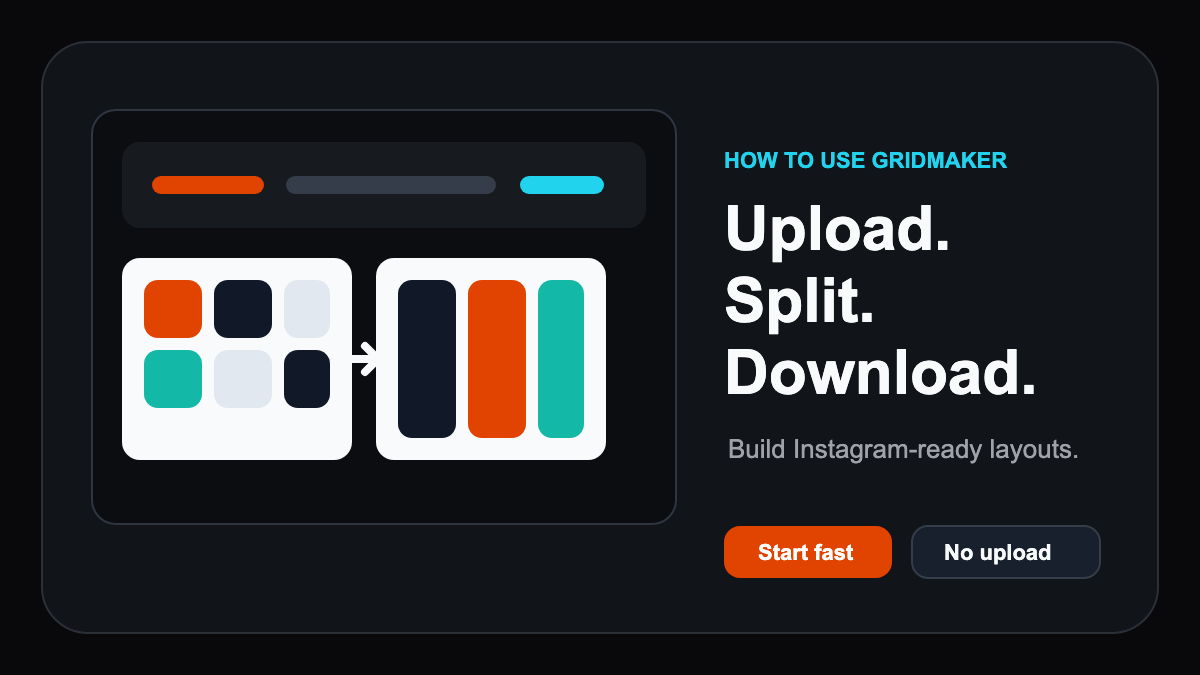
Upload an image, choose a split mode, preview the grid lines, then download every PNG tile.
Split images will appear here
RESULTS
Use the same page to make the grid, understand the use case, and inspect the kind of output GridMaker produces.
Turn one campaign image into nine square tiles for a profile grid reveal.

Cut a wide visual into swipe-friendly vertical panels for social carousels.
Divide tall artwork into clean horizontal strips for stories, campaign assets, or mockups.
Create a custom grid from one product shot for marketplaces and comparison layouts.
WORKFLOW
GridMaker keeps the entry form, output preview, and supporting content on the same page so visitors can act without detours.
IMAGE GRID MAKER
People searching for an image grid maker want the tool, proof of the result, and enough context to decide whether it fits their social media, carousel, or layout task.
This page targets the core image-splitting task instead of scattering the same user journey across separate tool and landing pages.
Canvas rendering keeps source images on the device, which matters for drafts, client assets, and private product photos.
The showcase is a safe starting point for V2.0. Future user results should be curated or noindexed instead of mass-published as thin pages.
Choose a JPG, PNG, WebP, or GIF. The browser reads the image dimensions before any split plan is created.
Pick Instagram 9-grid, auto grid, vertical, horizontal, or custom rows and columns, then inspect preview lines before exporting.
Save one tile at a time or export the full set as a ZIP package for publishing workflows.
FAQs